
Website Setup Service Perth, The Technical Foundation Done Right the First Time
A website’s technical setup is invisible when it’s done correctly, and expensive to fix when it isn’t. Sclouta handles domain connection, hosting, WordPress installation, SSL security, email setup, and every technical detail underneath your website, configured properly from day one. Included with every Sclouta website package. Website builds start from $300.
- Domain, hosting and SSL configured correctly
- WordPress installed and secured properly
- No technical knowledge required from you
Why Perth Businesses Trust Sclouta With This
Full Ownership
Your domain, hosting, and WordPress login are set up in your name from day one, not held by Sclouta.
No lock-in contracts
Full ownership and login access from day one, so you're never locked into Sclouta.
60+ Websites Delivered
Over 60 websites delivered for Perth tradies, service businesses and local companies since 12 February 2025.
Manual Configuration
Every website is configured directly by Sclouta, not automated or outsourced.
Proven Process
Every setup follows a documented checklist covering DNS, SSL, security, backups, WordPress settings, and Search Console.
Setup Support
If an issue relates to your original setup, we'll review and help resolve it.
Why Website Setup Is Where Most DIY Projects Go Wrong
Website builders and page builder plugins have made the visual side of building a website much easier over the past few years. But getting a website online is only one part of the process, setting it up properly is what determines how well it performs.
What hasn’t gotten easier is the technical layer underneath: connecting a domain to hosting correctly, installing WordPress without leaving default settings that create security gaps, configuring SSL so the site shows as secure rather than “not private,” and setting up business email that actually delivers reliably. None of this is visual or intuitive. It’s technical configuration, and getting one setting wrong can cause problems that are difficult for a non-technical business owner to even diagnose, let alone fix.
This is the stage where a large share of DIY website projects stall completely, not because the business owner couldn’t write good content or pick a nice design, but because the technical setup created a problem they didn’t have the background to solve.
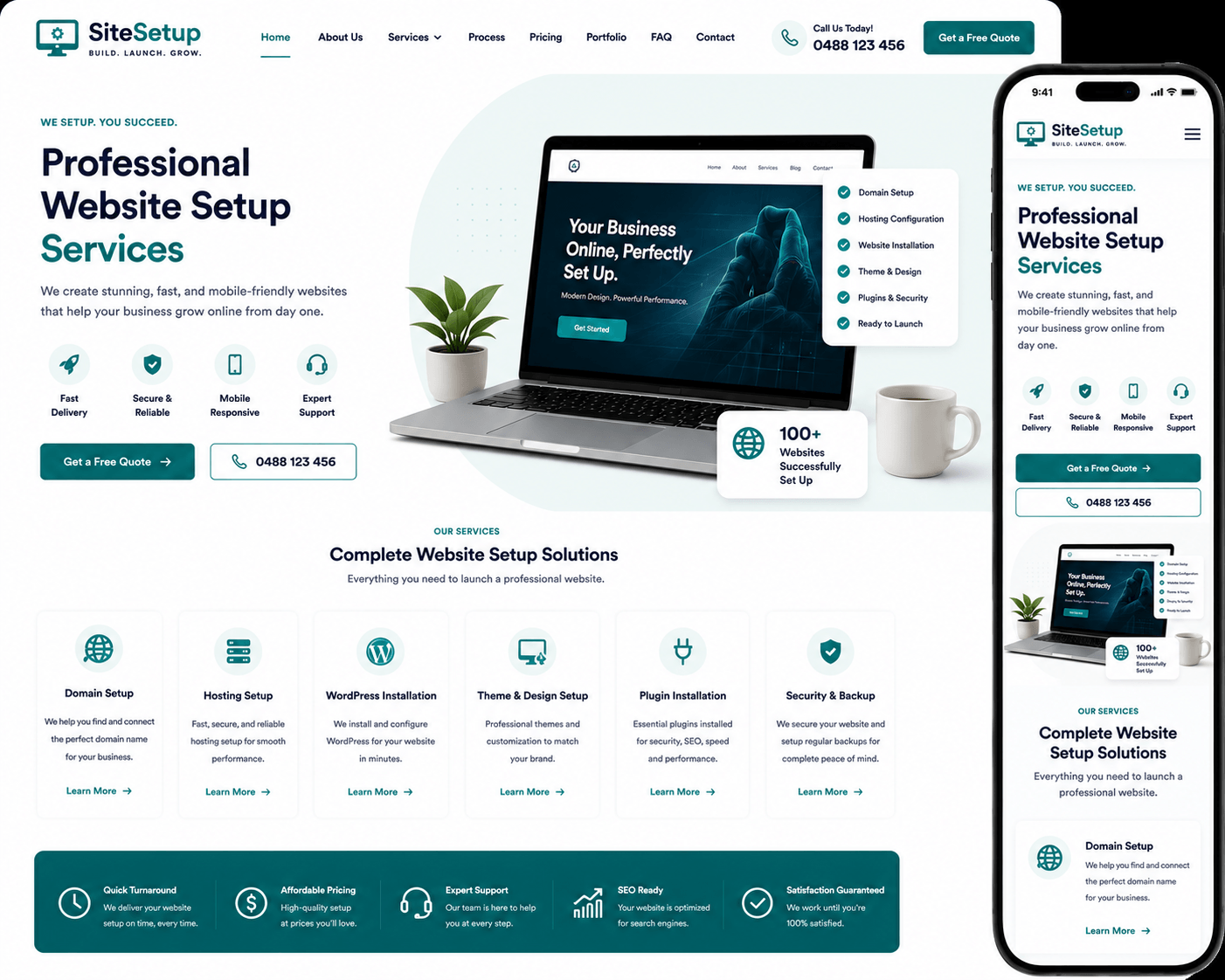
What's Actually Involved in Setting Up a Website Properly
Domain Connection
Pointing your domain name to the correct hosting server via DNS settings, the system that translates a domain name like yourbusiness.com.au into the actual server address where your website lives. It's a process with several steps that, if done incorrectly, can leave your website unreachable or your email undeliverable for days.
Hosting Configuration
Setting up hosting that's appropriately fast and secure for a business website, with the right PHP version, caching, and server settings, not just picking the cheapest plan and hoping for the best.
WordPress Installation
Installing WordPress, the content management system (CMS) that runs your website, cleanly, removing default content and unused themes, and configuring core settings (permalinks, timezone, site identity) correctly from the start.
SSL Certificate Setup
Configuring your website to run securely over HTTPS, so visitors see a secure padlock rather than a browser warning. SSL (Secure Sockets Layer) is the technology that encrypts data between a visitor's browser and your website, and Google treats it as a ranking signal, not just a trust signal.
Business Email Setup
Setting up professional email addresses on your own domain (like hello@yourbusiness.com.au) so your business communication looks credible rather than running through a free Gmail address.
Basic Security Configuration
Setting login security, limiting exposed information, and configuring the basics that prevent a website from being an easy target, steps that are frequently skipped entirely in a rushed DIY setup.
Common Website Setup Mistakes
Domain and website on different providers, never properly connected
The domain was bought from one company, hosting from another, and the DNS connection between them was never completed correctly, leaving the website inaccessible on the actual domain name.
No SSL certificate, or one that's misconfigured
Visitors see a “not secure” warning in their browser before they’ve even read a word of content, an immediate trust signal working against the business.
Default WordPress settings left untouched
Generic permalink structures, default admin usernames, and unremoved sample content all signal an unfinished, unprofessional setup to both visitors and Google.
Business email running through a personal Gmail account
“yourbusiness123@gmail.com” doesn’t carry the same credibility as an email address on the business’s own domain, a detail customers notice, particularly for higher-trust services.
No backups configured
If something goes wrong, a plugin conflict, a hosting issue, accidental deletion, there’s no way to restore the website, because no backup system was ever set up.
No clear record of who owns what
When a domain, hosting account, or WordPress login is set up by someone else, a previous developer, a well-meaning friend, an old agency, and the details were never properly handed over, the business owner can end up locked out of their own website without realising it until they need access.
Every one of these problems is straightforward to avoid when the setup is handled correctly. They’re also the kinds of issues most business owners don’t notice until something breaks.
Our Process
1
Details collected
Domain information and any existing hosting/email logins if you're moving providers
2
Domain & hosting connected
DNS configured and tested
3
WordPress installed
Clean install, core settings configured correctly
4
Security & SSL applied
HTTPS verified, basic security settings locked in
5
Everything tested
Forms, email, mobile display, all checked before handover
6
Handover
Full login access provided, setup checklist confirmed complete
Every Website Goes Through a Final Checklist
Before handover, we verify:
✓ HTTPS working correctly
✓ Contact forms delivering
✓ Email tested and sending
✓ XML sitemap submitted to Google Search Console
✓ Mobile responsive
✓ Backup configuration in place where hosting supports it
✓ Admin access confirmed and handed over
What Sclouta Configures During Setup
Every Sclouta website setup includes:
✓ Domain-to-hosting connection, fully tested
✓ WordPress installed cleanly with correct core settings
✓ SSL certificate configured and verified (HTTPS working correctly)
✓ Mobile-first theme installed and configured (Hello Elementor or Astra Free)
✓ Contact form plugin installed, connected, and test-submitted
✓ SEO plugin configured with your business details
✓ XML sitemap generated and submitted to Google Search Console
✓ Basic security settings applied
✓ Backup configuration where hosting supports it
Setup for a New Website vs Fixing an Existing One
Website setup is the technical foundation your site runs on — domain, hosting, WordPress, security. It’s different from the design and content that sits on top of it, which is why it’s included as its own layer in every Sclouta build rather than treated as an assumption.
New Website Setup Included automatically as part of every Sclouta website build. Domain connection, hosting configuration, WordPress installation, SSL, email, and security are all handled before your content ever goes live. No separate setup fee.
Fixing an Existing Website’s Setup If you already have a website with technical issues — broken SSL, email not delivering, slow hosting, or a domain connection that’s never worked properly — Sclouta can diagnose and correct the existing setup without necessarily rebuilding the entire site from scratch. Get in touch to discuss what’s involved for your specific situation.
Moving From Another Provider If you’re switching hosting companies or domain registrars, DNS timing and email continuity need careful handling to avoid downtime or lost messages during the transition. This is planned and tested as part of the migration, not left to chance.
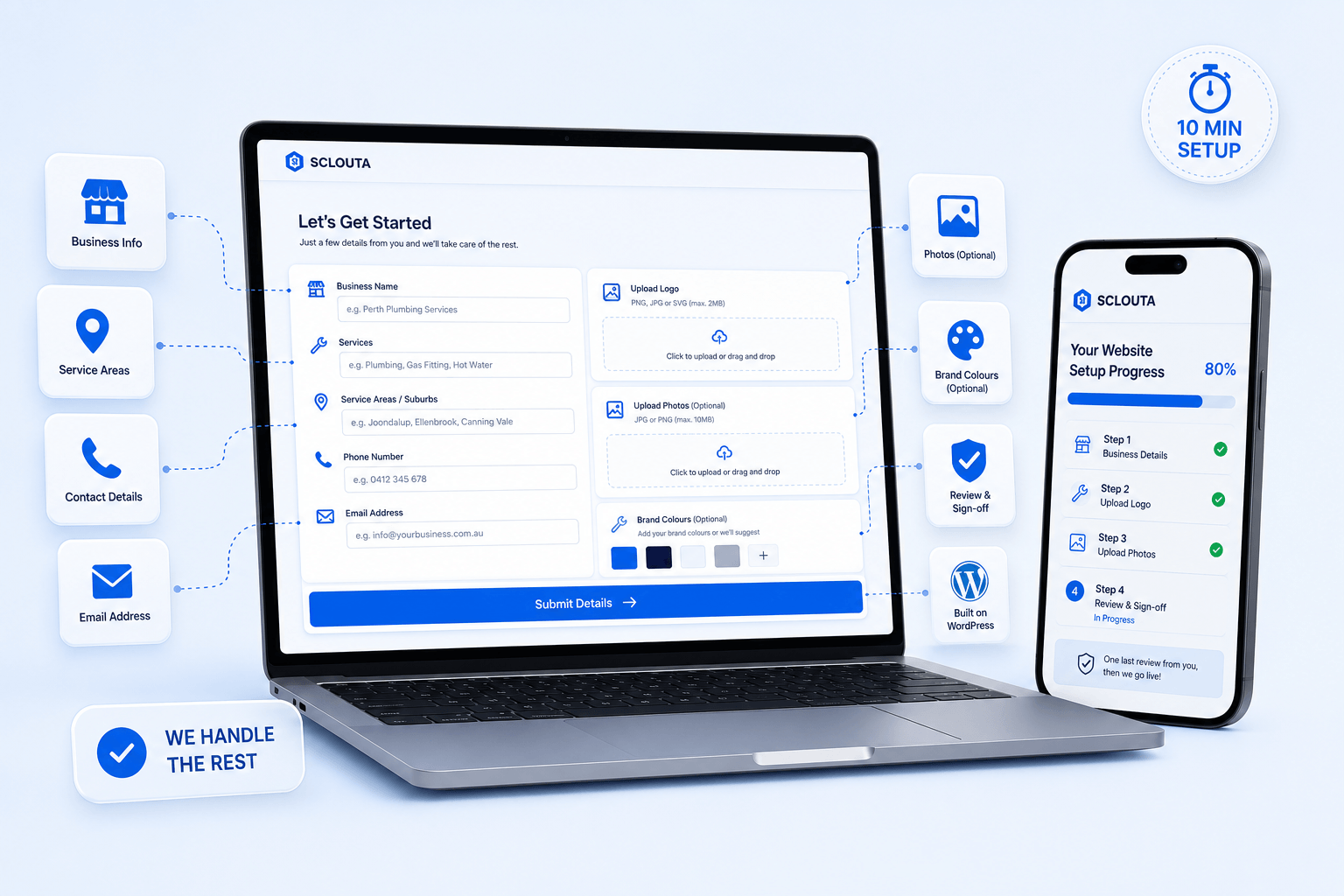
When You Need This Service
Launching a New Business You need everything set up correctly from the very first day, without technical missteps that cause problems down the track.
Something’s Currently Broken Email not arriving, a security warning showing, or a domain that doesn’t connect properly — technical problems that need a proper diagnosis, not another guess.
Switching Providers Moving from one hosting company or domain registrar to another, and wanting the transition handled without downtime or lost email.
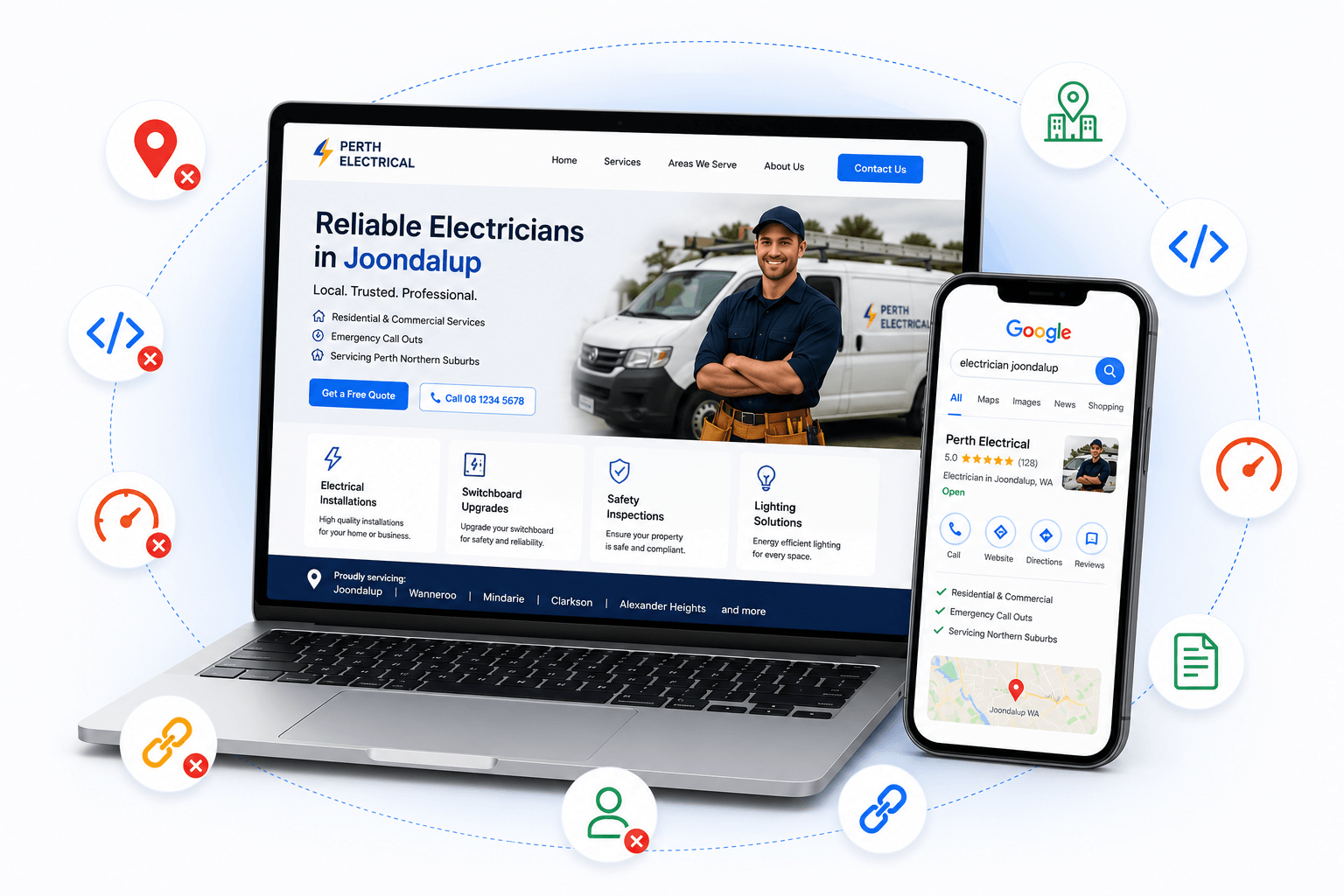
Pricing - Setup Included, Not a Separate Line Item
Website setup is not an optional extra charged on top of your build, it’s included in every Sclouta website package.
Basic Website
-
Full technical setup included
-
Domain connection
-
Hosting configuration
-
WordPress installation
-
Secure Sockets Layer
-
Contact form
-
Basic security
Growth Website
-
Everything in Basic, plus:
-
Google Business Profile connection
-
NAP alignment
Premium Website
-
Everything in Growth, plus:
-
Google Analytics
-
Search Console dashboard configuration
We also build websites for other Perth trades:
And other commercial pages:
Sclouta also builds websites for restaurants, medical clinics, dentists, retail stores, gyms, salons, accountants, lawyers and small businesses right across Perth, See all trade services →
Frequently Asked Questions
Do I own my website and domain once it's set up?
Yes. Your domain, hosting account, and WordPress login belong to you, not Sclouta. You’ll have full access to everything from day one, so there’s no dependency on us to make changes or move providers later if you choose to.
What do I need to provide to get started?
Generally just your domain details (or authorisation to purchase one on your behalf), your business information, and any existing hosting or email logins if you’re moving from another provider. Sclouta handles the technical configuration from there.
What happens if something breaks shortly after handover?
If an issue relates to how your website was originally set up, get in touch and we’ll review it. Setup issues are different from ongoing maintenance, and we’ll explain what’s covered and what may require additional support if the issue falls outside the original setup.
Who actually performs the setup?
Every website setup is completed directly by Sclouta using a documented checklist, not outsourced or automated.
How long does setup take?
As part of a new build, the full technical setup is completed within 24 hours. Fixing an existing site’s setup depends on what’s broken, we’ll give you a clear timeframe after a quick diagnosis.
Can you set up my website if I already have hosting and a domain?
Yes. We can work with your existing domain and hosting where possible, or advise if a change would solve a problem you’re currently having.
What happens if I want to move hosting providers later?
Because you own the domain and hosting account outright, you’re free to move providers at any time, we’re happy to help plan that transition if needed.
Get Your Technical Foundation Right From the Start
The parts of a website nobody sees are the parts most likely to cause problems if they’re wrong. Sclouta gets the technical setup right the first time, so you never have to think about it again.